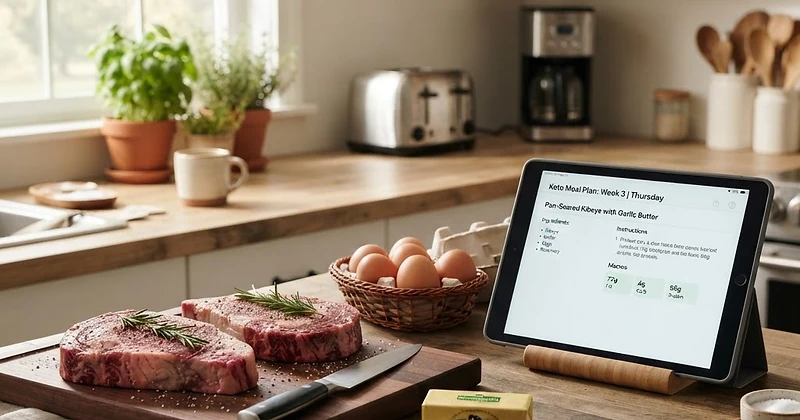
Discover how to simplify your animal-based lifestyle using Natural Carnivore's custom Meal Planner and automated grocery list generator.
We only share products we believe in. Buying through a link may earn us a small commission — thanks for the support. Learn more →
Adopting an animal-based way of eating simplifies nutrition in countless ways. Yet, deciding what cut of meat to prepare each night, coordinating cooking times, and estimating exactly how many pounds of beef to buy at the market can still feel overwhelming. That is why we built the dedicated planning suite inside Natural Carnivore.
In this guide, you will learn how to design a personalized weekly meat meal plan tailored precisely to your targets and how to turn that schedule into an organized shopping run using our integrated carnivore grocery list generator.
Step 1: Set Your Foundation in Onboarding
Every successful animal-based meal plan starts with your unique physiology and lifestyle goals. If you have not done so already, complete your profile in Onboarding.
During setup, Natural Carnivore configures your baseline by evaluating four core factors:
- Diet Path: Select Lion (strict ruminant meat, salt, and water), Carnivore (adding poultry, seafood, eggs, and dairy), or Ketovore (low-carb animal-based with minimal plant additions).
- Body Stats: Your height, current weight, and biological sex.
- Activity Level: From sedentary to highly active, ensuring you fuel your workouts and recovery appropriately.
- Primary Goal: Choose whether you want to lose fat, maintain, or build muscle.
Once submitted, our algorithm automatically calculates your daily caloric needs and macronutrient distribution (protein and fat targets), which directly power your custom plans.
Step 2: Generate Your Plan in the Meal Planner
Navigate directly to the Meal Planner to configure your schedule. Our intelligent planning engine eliminates the guesswork of matching high-protein, zero-carb meals to your daily energy needs.
Customize Your Parameters
Before generating a plan, tailor the schedule to match your daily routine:
- Day Count: Plan for a single day, a few days of meal prep, or a complete 7-day weekly rotation.
- Meals Per Day: Whether you prefer classic three-meal schedules, two substantial feasts, or One Meal a Day (OMAD), you can set your preferred meal frequency.
- Preferences & Dislikes: Filter out foods you want to avoid—such as dairy sensitivities or organ meats—so only the recipes and cuts you enjoy are scheduled.
Click generate, and the platform will assemble a balanced plan pulled straight from our nutrition-tested database and curated Recipe Library, complete with precise gram measurements and macronutrient breakdowns for every meal.
Step 3: Review and Fine-Tune Your Meals
Your generated schedule is completely flexible. If you fancy a ribeye instead of ground beef, or want to swap baked salmon for crispy pork belly, you can adjust entries on the fly.
Want to explore creative kitchen ideas? Browse our curated Recipe Library. Every recipe is tagged by diet path (Lion, Carnivore, Ketovore) and includes full nutrition details, ingredient quantities, and step-by-step cooking directions that fit seamlessly into your meal planning days.
Step 4: Auto-Generate Your Carnivore Grocery List
The biggest hurdle in animal-based meal planning is often purchasing the wrong quantities of perishable meats. Natural Carnivore solves this instantly.
Once your meal plan is locked in, click to generate your grocery list. The system aggregates every ingredient across your entire week:
- Consolidated Quantities: Instead of listing three separate entries for ground beef, the tool calculates the total weight needed for the week.
- Categorized Organization: Ingredients are grouped logically (e.g., Beef & Ruminants, Poultry & Eggs, Seafood, Fats & Dairy) so you can navigate the butcher counter and grocery aisles efficiently.
- Interactive Check-Off Tracking: As you shop, check items off your digital list in real-time right from your mobile device.
Step 5: Execute, Track, and Review Progress
Planning is half the battle; daily consistency is the rest. Natural Carnivore connects your scheduled meals directly to your daily routine:
- Log in the Tracker: Send planned meals straight to your daily food diary in the Tracker. Here, you can monitor your calories, protein, fat, and carbs against your target metrics across breakfast, lunch, dinner, and snacks.
- Fasting Timer: If you pair your carnivore lifestyle with time-restricted eating, use the integrated fasting timer on your tracker to run protocols like 16:8, 20:4, or OMAD with a live visual progress bar.
- Weight Logging: Record your weigh-ins directly in the tracker to observe body composition shifts over time.
- Review Trends: Head over to Insights to view rolling 7, 30, and 90-day averages for your macro compliance, weight changes, fasting duration, and electrolyte balance.
Make Animal-Based Living Effortless
Consistent results come from sustainable habits. By utilizing the Meal Planner alongside our grocery list tools, you spend less time stressing over what to cook and more time enjoying the energy, clarity, and strength that come with an animal-based lifestyle. Set up your schedule today and take complete control of your nutrition journey.